
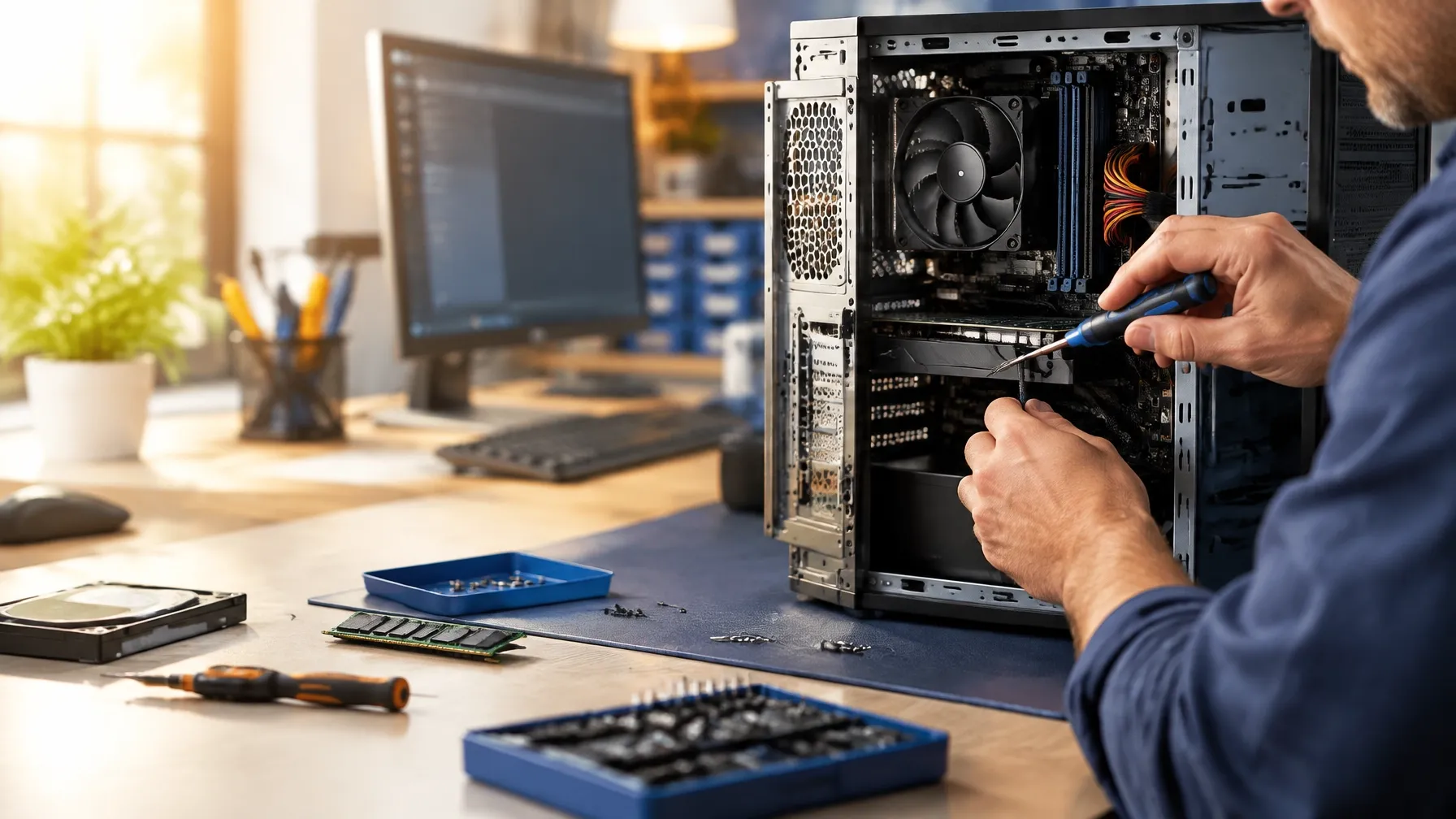
PC upgrades and maintenance
Practical computer upgrades, chosen for your system.
We help assess whether an upgrade or maintenance may address your computer’s symptoms, check component fit, and explain options before work begins.
Discuss your service needsUpgrade or maintain a computer with the right diagnosis
A slow or overheating computer may need a hardware upgrade, maintenance, or a different repair. We first review the system and symptoms, then discuss compatible options such as solid-state storage, memory, component replacement, power supply troubleshooting, or thermal maintenance. Recommendations depend on the device and its condition.
How we can help
- Solid-state drive (SSD) and memory upgrade assessment.
- Component replacement and power supply troubleshooting.
- Thermal maintenance for computers with heat or fan-related symptoms.
- Upgrade compatibility and practical repair options explained in plain English.
We begin by understanding the symptoms and identifying a suitable next step. We explain findings and pricing before additional repair work begins.
Frequently asked questions
Can an SSD or memory upgrade make my computer faster?
An upgrade may help, depending on the computer’s current hardware and the cause of its slowdown. We can assess the system and explain compatible options before any work begins.
Can you help with an overheating computer?
We can assess symptoms such as excessive heat, fan noise, or performance slowdowns and discuss appropriate cleaning, thermal maintenance, or component options.
Will you check compatibility before replacing a part?
Yes. We review the computer model and existing components to determine suitable upgrade or replacement options.
Looking for another kind of help?
Explore our service options or contact us to talk through the problem and the right next step.